The iPhone Setting You Didn't Know Was Saving Your Battery
Apple quietly tucked one of iOS's most powerful new features inside a settings menu most people never open
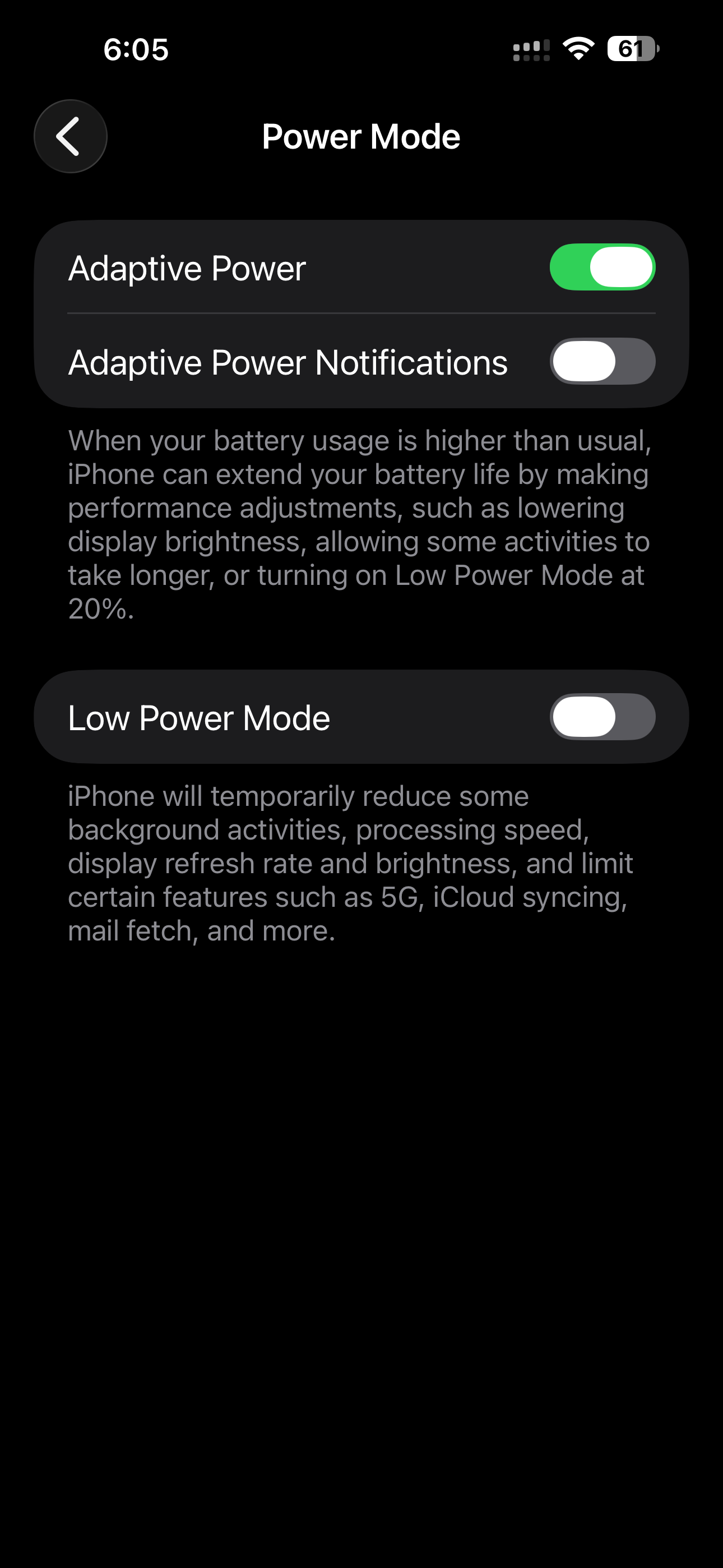
Apple quietly tucked one of iOS's most powerful new features inside a settings menu most people never open. It's called Adaptive Power Mode — and once you turn it on, it works invisibly in the background to stretch your battery in ways that feel almost uncanny.
What Exactly Is Adaptive Power Mode?
Introduced in iOS 19, Adaptive Power Mode is Apple's AI-driven battery management system that goes far beyond the blunt instrument of the old Low Power Mode. Rather than throttling your performance and dimming your screen the moment your battery dips below 20%, Adaptive Power Mode watches how you use your iPhone — and makes thousands of micro-adjustments per hour without you ever noticing.
Think of it like a smart thermostat for your battery. Just as a Nest learns when you're home and when you're asleep, Adaptive Power Mode learns when you're on a long flight, stuck in a meeting, or about to plug in — and adjusts power draw accordingly.
"It's not about making your phone slower. It's about making your phone smarter about when it can afford to slow down."
How the AI Works Behind the Scenes
Apple's on-device neural engine — the same chip powering Face ID and Live Text — continuously analyzes patterns across dozens of variables: your calendar, your location, your last charge time, screen brightness trends, and even which apps you typically open after unlocking. From all of this, it builds a predictive model of your day.
If it predicts you're about to hop on a three-hour train ride with no charger, it'll gently pre-optimize: pulling back on background app refresh, trimming visual effects that cost GPU cycles, and spacing out your notification fetches. You won't see a banner warning. You won't see your screen go dim. It just quietly happens.
The numbers speak for themselves: Adaptive Power Mode is 2.4× smarter than Low Power Mode, delivers approximately 3 extra hours of screen time per day on average, and runs 100% on-device — no data ever leaves your phone.
How to Turn It On Right Now
It takes about 30 seconds. Here's exactly where to find it:
Step 1: Open Settings — Tap the gear icon on your home screen or App Library.
Step 2: Tap "Battery" — Scroll down past your usual top-level settings.
Step 3: Select "Power Modes" — You'll see Low Power Mode — and right below it, Adaptive Power Mode.
Step 4: Toggle it on — That's it. The AI starts learning your habits within the first day of use.
What You Might Actually Notice
For the first week or so, almost nothing. That's intentional — the model is still learning. But after seven to ten days of regular use, most people report ending the day with noticeably more battery than they used to, without any conscious change in behavior.
The one area where you might notice a difference: background app refresh for some apps will be slightly delayed. If you're the type to open Instagram and expect your feed to be fully refreshed instantly, there's occasionally a half-second load. Apple considers that an acceptable trade-off for the gains elsewhere.
Privacy: Everything Stays on Your Device
Apple has been emphatic that Adaptive Power Mode's AI model never leaves your device. All pattern recognition, all prediction, all learning — it runs entirely on the Neural Engine in your A-series or M-series chip. No usage data is sent to Apple's servers. This is Apple Intelligence infrastructure working entirely in your pocket.
"The model doesn't know who you are. It only knows your phone, and only to serve your phone better."
Should You Turn It On?
If you regularly end the day below 30% battery — yes, without hesitation. If you're a heavy user who often hits Low Power Mode by early afternoon, it won't work miracles, but it will meaningfully extend your window. And if you're already comfortable with your battery life, it's still worth enabling, because the AI gets smarter the longer it runs.
The best features are the ones that simply make things better without asking anything of you. Adaptive Power Mode is exactly that.
Related Articles
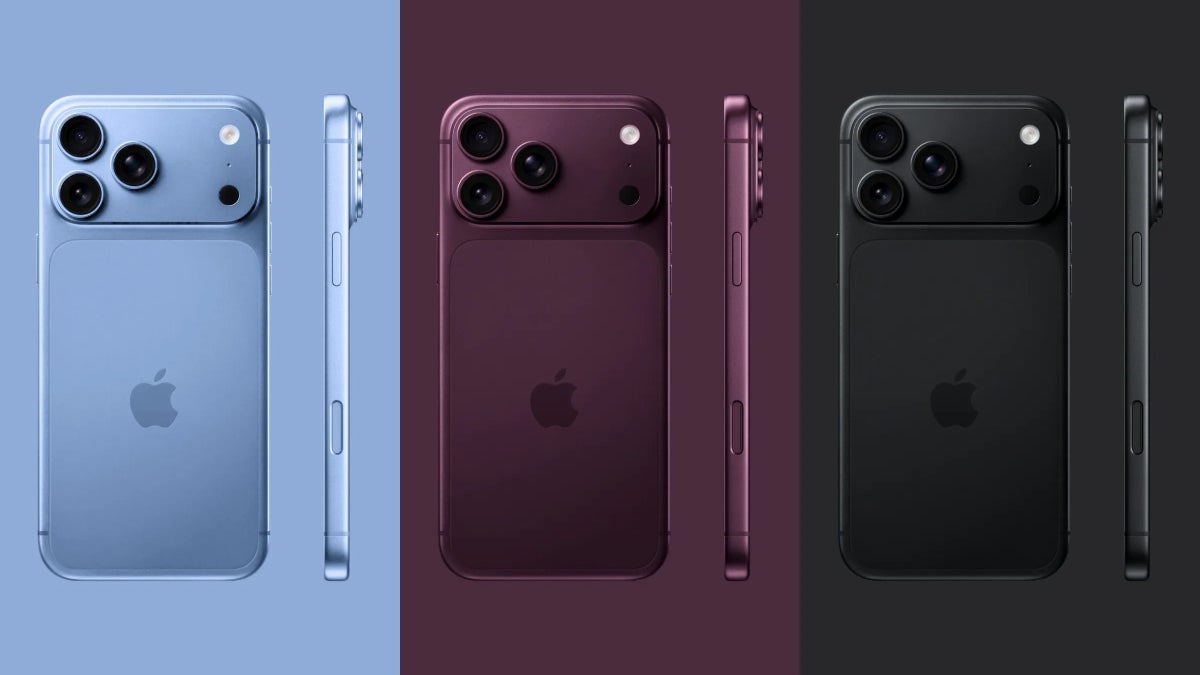
iPhone 18 Pro: Everything We Know So Far
Variable aperture cameras, Apple's first 2nm chip, satellite internet, and a striking Dark Cherry colorway — here is everything confirmed and rumored about the iPhone 18 Pro ahead of its September 2026 launch.

Apple's iPhone 18 Pro Colors Are Leaking — And Dark Cherry Is Stealing the Show
Leaked case images, dummy units, and supply chain sources reveal the iPhone 18 Pro's 2026 color lineup — Dark Cherry, Light Blue, Dark Gray, and Silver. Here's what we know.
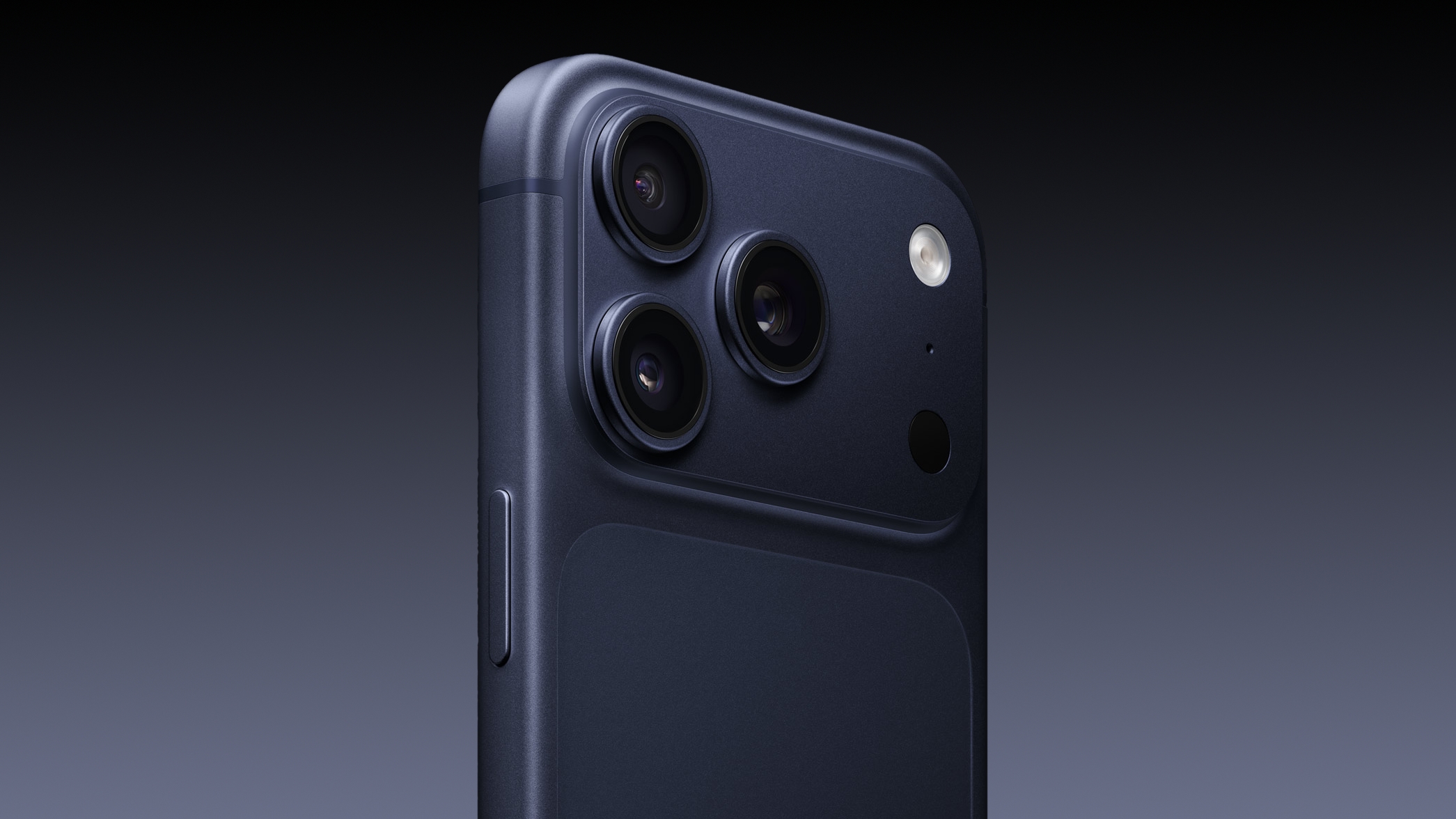
iPhone 17 Pro & Pro Max: Five Months Later
The honeymoon's over. We've put Apple's 2025 flagship phones through real life — five months of commutes, concerts, dark restaurants, and dead battery anxiety. Here's what actually held up.
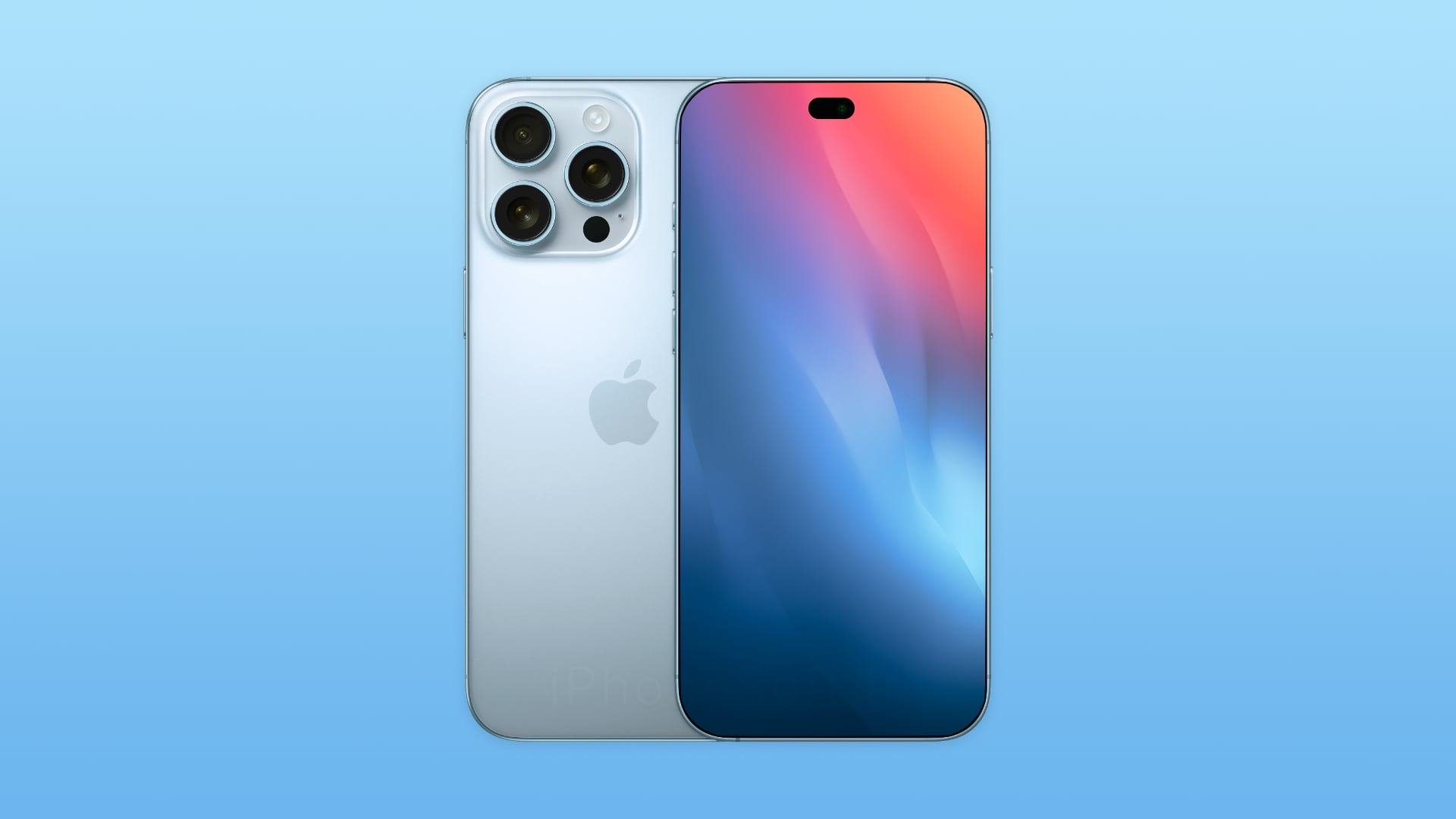
10 Features Rumored for the iPhone 18 Pro — The Complete 2026 Leak Roundup
Apple hasn't said a word. But the leaks have. Here are the 10 biggest rumoured features for the iPhone 18 Pro — from the 2nm A20 Pro chip to a first-ever variable aperture camera and full satellite internet.