
iOS 26.2.1 Update Warning: Users Report Widespread Crashes and Performance Issues
A minor point release meant to add second-gen AirTag support has turned into one of the messiest iOS rollouts in recent memory — and with iOS 26.2 no longer signed, affected users can't roll back.
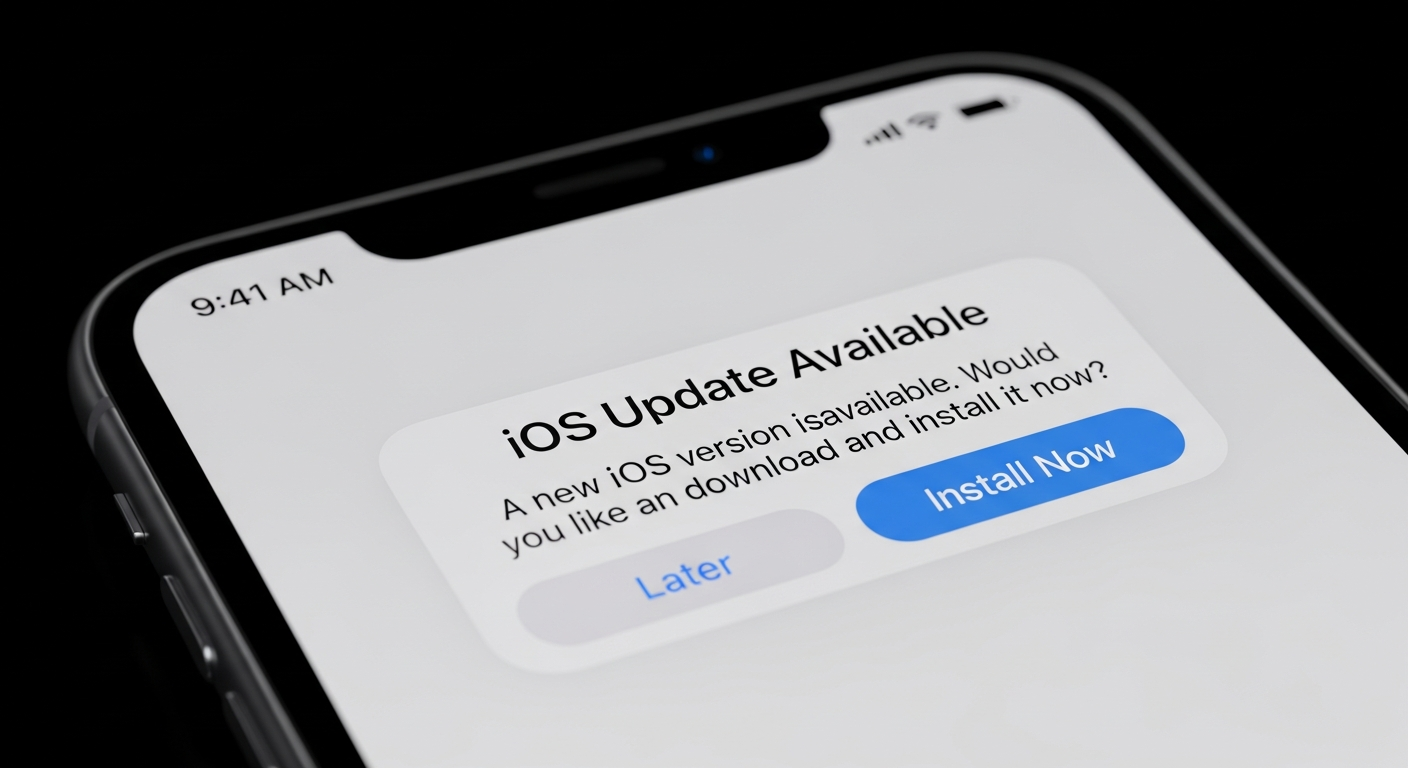
Point releases are supposed to be the boring part of the iOS calendar. They patch security holes, squash a few bugs, and occasionally add a small feature nobody expected. iOS 26.2.1 was pitched as exactly that kind of update — a quiet build that brought support for the second-generation AirTag and cleaned up a handful of lingering issues from iOS 26.2.
Instead, within days of release, complaint threads lit up across the Apple Community forums, Reddit, and social media. Users reported apps crashing on launch, phones rebooting at random, connectivity dropping without warning, and — most alarmingly — batteries draining fast enough to make some devices feel unusable. What was billed as a stability update has, for a meaningful number of people, done the opposite.
What People Are Actually Reporting
The complaints cluster into a few distinct buckets, and the volume is what's notable. This isn't a single edge case — it's a broad spread of symptoms hitting different parts of the system.
App crashes and freezes. The most common report is the most disruptive: apps crashing the moment they open, or the phone freezing and rebooting on its own. One widely shared Apple Community thread is titled, bluntly, "iOS 26.2.1 has rendered my phone unusable," with the poster describing nearly every app on their device crashing or hanging since the update.
Severe battery drain. Users are watching their battery percentage fall faster than normal, including in standby, when the phone should barely be sipping power. Some suspect the new second-gen AirTag protocols are keeping background processes more active than they should be. The drain has been reported even on flagship hardware, including the iPhone 17 Pro Max — a phone that should have power to spare.
Connectivity failures. Wi-Fi and Bluetooth dropping or failing to reconnect is another recurring theme, which is especially frustrating on an update whose headline feature is a Bluetooth accessory.
The Smaller Bugs Adding Up
Beyond the headline crashes, a long tail of smaller glitches is wearing on users — the kind of paper cuts that individually seem minor but collectively make a phone feel broken:
- Apple Maps: Some users report losing saved locations and favorites entirely after installing.
- Face ID: Intermittent failures, particularly inside third-party apps, even when Face ID keeps working elsewhere on the device. In some cases, biometric sign-in gets disabled in those apps altogether.
- Safari: Reports of open tabs disappearing during the update process.
- Control Center: Visual glitches and unresponsive toggles.
- HomeKit: Automations that no longer trigger reliably.
- Storage: Readings that fluctuate unexpectedly, showing space used and freed with no clear cause.
None of these is catastrophic on its own. But Face ID silently switching off inside a banking app, or a week of saved Maps favorites vanishing, is exactly the kind of thing that erodes trust in an update — and in the "it just works" promise Apple built its reputation on.
“A stability update that makes stability worse is the one kind of release Apple can't afford to ship.”
Who's Affected — And Who Isn't
Here's the important nuance: this is not happening to everyone. Plenty of users, including many on newer iPhones, report that iOS 26.2.1 runs smoothly and even feels more stable than earlier builds of iOS 26. That inconsistency is part of what makes the situation confusing — and part of why Apple has been slow to acknowledge it publicly.
When problems affect a subset of devices in ways that don't reproduce cleanly, they're harder to diagnose and harder to admit to. It also means you can't predict with certainty whether your phone will be fine. Two people with the same iPhone model can have completely different experiences, which points to a bug tangled up with specific app combinations, settings, or hardware states rather than a single, universal fault.
The battery reports are the most consistent thread across device generations, and the fact that they show up even on the iPhone 17 Pro Max suggests a software cause rather than aging hardware.
The Rollback Problem
Normally, when an update goes sideways, the advice is simple: downgrade and wait it out. That option is off the table here. Apple has stopped signing iOS 26.2, which means affected users cannot revert to the previous version. Once you're on 26.2.1, you're staying on 26.2.1 until Apple releases the next update.
That signing policy exists for legitimate security reasons — it stops people from rolling back to versions with known vulnerabilities. But it also means anyone who updated early and got unlucky is stuck with a misbehaving phone and no official escape hatch. It raises the stakes on the oldest advice in the iOS playbook: don't rush to install a point update the day it drops.
What You Can Do Right Now
If you're already on iOS 26.2.1 and struggling, a few steps have helped some users while everyone waits for a proper fix:
- Restart, then wait. After any major update, iOS runs background indexing and re-optimization for a day or two. Some battery and performance complaints ease once that settles. A full restart can clear the worst of the immediate glitches.
- Check battery usage. In Settings > Battery, look for any single app consuming an outsized share. A misbehaving app — not iOS itself — is sometimes the real culprit, and updating or reinstalling it can help.
- Re-enable Face ID per app. For third-party apps where biometric sign-in stopped working, toggling Face ID off and back on for that app in Settings has restored it for some users.
- Reset network settings. If Wi-Fi and Bluetooth are unreliable, Settings > General > Transfer or Reset iPhone > Reset > Reset Network Settings can clear the problem (you'll need to re-enter Wi-Fi passwords).
- Back up now. If your phone is unstable, get a current backup to iCloud or a computer before things get worse.
What Happens Next
All eyes are now on iOS 26.3. Apple typically responds to a rocky point release with a fast follow-up that quietly patches the worst offenders — Face ID quirks, camera bugs, battery regressions — without much fanfare. Historically, these cleanup builds arrive within a few weeks, and given the visibility of the 26.2.1 complaints, there's pressure on Apple to move quickly.
Until that lands, the calculus is straightforward. If your iPhone is running fine on 26.2.1, there's nothing to do — you dodged it. If you haven't updated yet, waiting costs you almost nothing; this was never a feature-packed release to begin with. And if you're one of the unlucky ones stuck with a crashing, draining phone, the fixes above are your best bet in the meantime.
The larger takeaway is an old one that keeps proving true. A version number ending in .2.1 sounds harmless. This one is a reminder that even the smallest-looking updates deserve a day or two of caution before you tap install.
- iPhone 18 Pro and Pro Max Are Here: A Camera That Earns Its Price, and a Storage Tax That Doesn't
- Apple Watch Ultra 4 Review Roundup: Same $799, Same Body, a Very Different Watch Underneath
- Surprise and Shine: Sorting Apple's September 9 Rumors by How Real They Are
- Google Is About to Replace the Chromebook — Everything We Know About the Googlebook


