Apple Now Wants to Lease You an iPhone — Here's What That Really Means
The new Apple Upgrade program replaces the old iPhone Upgrade Program and extends leasing to Macs, iPads, and Apple Watches. The catch: you may never actually own the device.

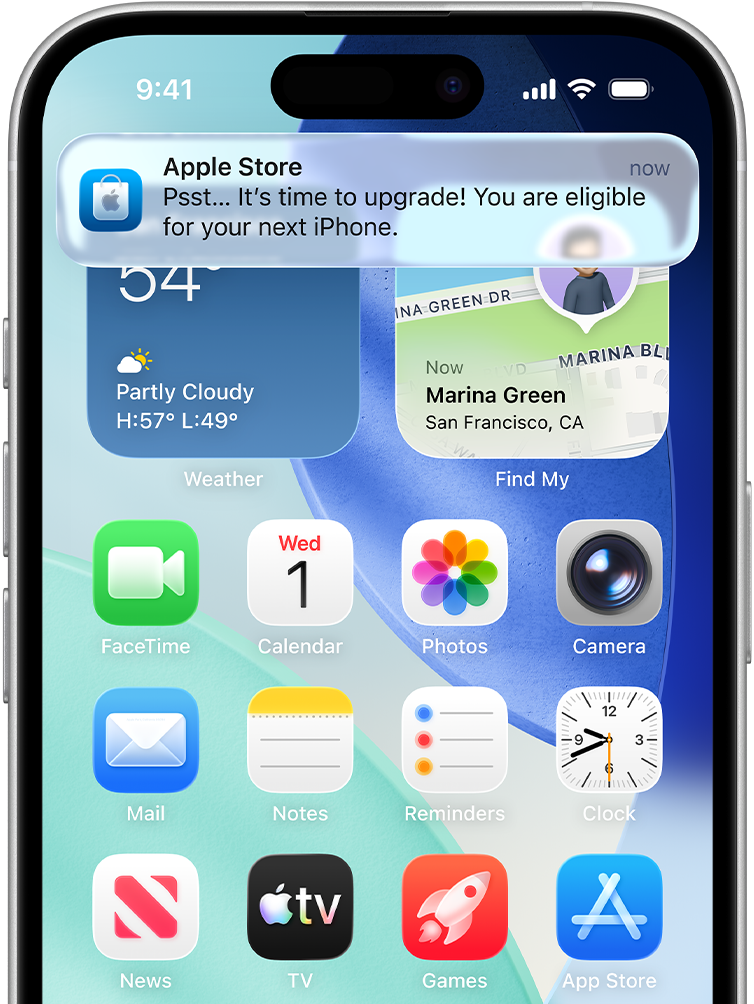
Buying Apple hardware just became a little more like leasing a car. On July 30, Apple launched Apple Upgrade, a new U.S. program that lets eligible customers lease iPhones, Macs, iPads, and Apple Watches through the buy-now-pay-later company Klarna, rather than buying them outright. It replaces Apple's long-running iPhone Upgrade Program for new customers and expands the whole concept from a single product to nearly the company's entire hardware lineup.
On the surface, it looks like a win for anyone who craves the newest gear. Lower upfront costs, a soft credit check, and an easy path to the latest device every year or two. But the word doing the heavy lifting here is "lease." Unlike the financing plans Apple offered before, Apple Upgrade doesn't end with you owning anything — and that distinction changes the math for a lot of buyers. Here's how it works, how it differs from what came before, and who should think twice.
How Apple Upgrade Works
The program is available through Apple Stores, the Apple Store app, and Apple.com in the United States. Customers choose a lease term based on the product: iPhones and Apple Watches come with 12- or 24-month leases, while Macs and iPads offer longer 24- or 36-month terms. Applications run through Klarna using a soft credit inquiry — the kind that doesn't ding your credit score — and approved customers generally won't need to put any money down.
Apple advertises the plans by their starting monthly prices, which look approachable on their own:
| Product | Starting Monthly | Lease Terms | |---------|-----------------|-------------| | iPhone | $17.99 | 12 or 24 months | | Apple Watch | $11.99 | 12 or 24 months | | iPad | $11.99 | 24 or 36 months | | Mac | $24.99 | 24 or 36 months |
The crucial difference from Apple's old installment plans is what happens to ownership. With Apple Upgrade, you do not automatically own the device after making your payments, because Klarna retains ownership throughout the lease. When the term ends, you get three choices: upgrade to a newer device and start a fresh lease, buy the device you've been using with a buyout payment, or simply return it and walk away.
[CALLOUT:The short version: If you replace your iPhone every year or two, Apple Upgrade lowers your upfront cost and streamlines upgrading. If you tend to keep devices for four or five years, buying outright almost certainly costs you less in the long run.]
Why "Lease," Not "Finance," Matters
Leasing and financing sound interchangeable, but they lead to very different places. When you finance a device, every payment builds toward ownership — at the end, the phone is yours. When you lease, you're paying for the right to use the device during the term, and ownership stays with Klarna unless you make a separate buyout payment at the end.
That means the monthly figure isn't the whole story. If you lease and then decide you want to keep the device, you'll pay the buyout on top of everything you've already spent — potentially more than if you'd simply financed it from the start. And because it's a lease, ending it early isn't as simple as paying off a balance. Customers should read the agreement closely, since early termination may carry additional obligations depending on the terms.
There's also the matter of condition. Leased hardware you intend to return generally needs to come back in good shape, which puts a premium on cases, screen protectors, and careful handling over the life of the lease. None of this is hidden — Apple spells it out — but it's the fine print that turns a tempting monthly price into a more complicated decision.
“The monthly price is the easy part. Whether you ever own the thing is the part worth reading twice.”
How It's Different From the Old Program
Despite the similar name, Apple Upgrade works quite differently from the iPhone Upgrade Program it replaces. That older program financed iPhones through Citizens Bank and let customers own the device once they completed their payments. Anyone who upgraded after 12 payments could trade in their existing iPhone and roll into financing a new one. Ownership was the destination.
Apple Upgrade flips that structure. It's a lease from day one, with ownership resting with Klarna unless you choose the buyout. The other quiet but significant change is AppleCare+. The previous iPhone Upgrade Program bundled AppleCare+ into the monthly payment, so your coverage was baked in. Apple Upgrade does not — if you want extended warranty and accidental-damage protection, you'll need to buy AppleCare+ separately, which adds to the real monthly cost that headline pricing doesn't show.
Apple has also confirmed it will no longer accept new enrollments in the iPhone Upgrade Program. Existing members can keep using it until they become eligible for their next upgrade. At that point, they can move to Apple Upgrade, finance through Apple Card Monthly Installments where available, buy a device outright, or use carrier financing instead.
Who Benefits — and Who Doesn't
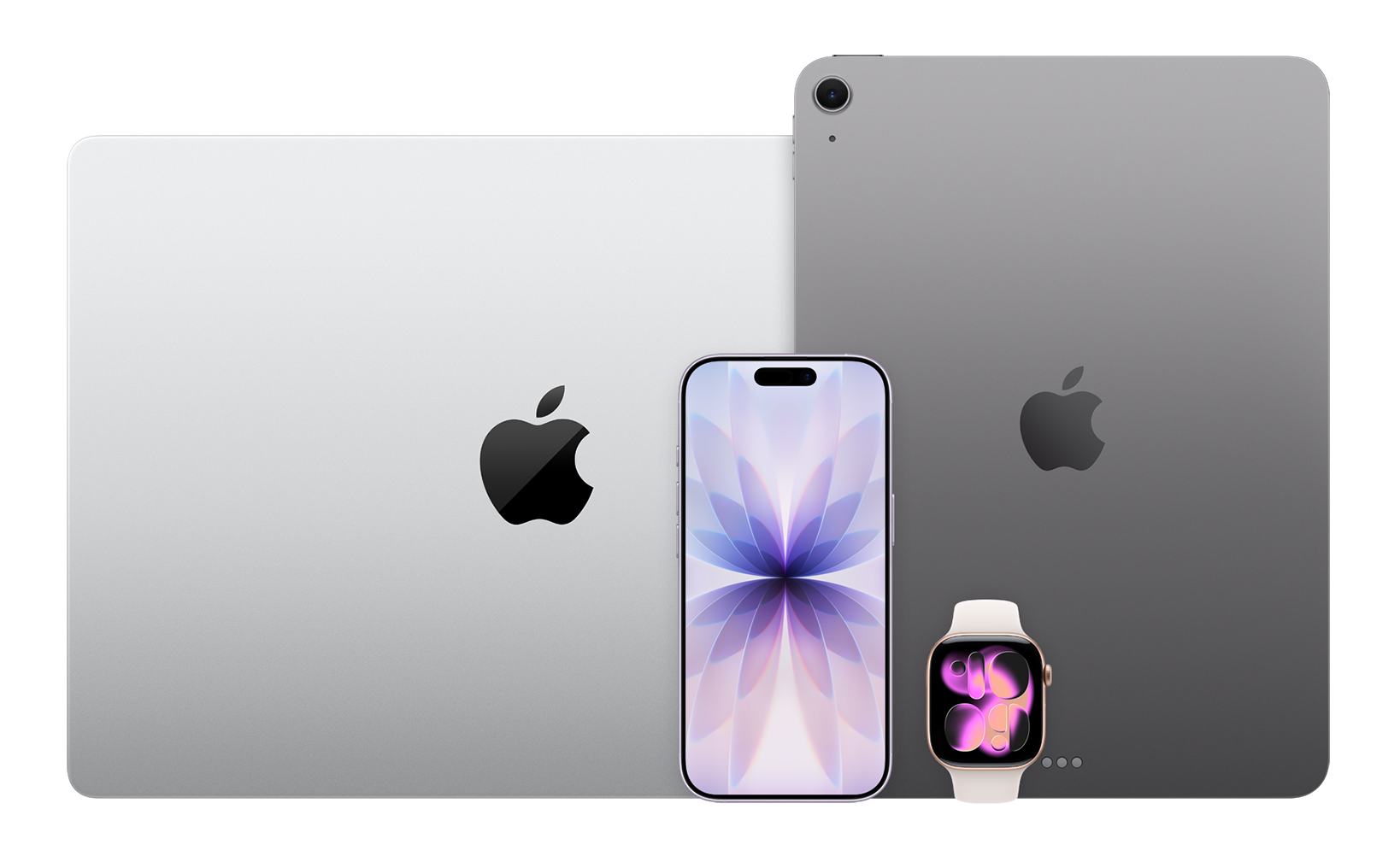
The program is clearly designed for a specific customer: the person who likes having the newest Apple hardware and upgrades on a short cycle. For that buyer, leasing genuinely helps. It lowers the upfront commitment, removes the friction of selling or trading in an old device, and turns the upgrade into a routine swap. Extending the model to Macs, iPads, and Apple Watches means you can put your whole Apple setup on a predictable refresh schedule.
For the buyer who keeps a phone until it dies — four, five, six years — the calculus points the other way. If ownership is your goal and you're not chasing every new release, paying outright or using traditional financing will almost always deliver better long-term value. Leasing the same device for years and then buying it out is the most expensive path to ownership Apple offers.
The middle ground is where it gets personal. Run your own numbers: total the monthly payments across the term, add AppleCare+ if you want it, factor in any buyout, and compare that to the sticker price of buying the same device today. Only then does the leasing premium become visible.
The Bigger Picture
Zoom out, and Apple Upgrade fits a pattern that has defined Apple for years: the steady shift from one-time hardware purchases toward ongoing, subscription-style relationships. Apple already earns enormous, predictable revenue from services — iCloud, Apple Music, Apple TV+, Apple Arcade, and more. A leasing program turns the hardware itself into something closer to a recurring subscription, smoothing Apple's revenue and keeping customers locked into a continuous upgrade loop rather than dropping off for years at a time.
The Klarna partnership is telling, too. By routing the program through a buy-now-pay-later specialist rather than a traditional bank, Apple leans into the frictionless, low-commitment psychology that makes spending feel painless — a soft credit check, no money down, a small monthly number. That's great for accessibility and terrible for anyone who doesn't stop to add it all up.
Whether Apple Upgrade becomes the default way people buy Apple products will come down to behavior. If customers value flexibility and the newest hardware above ownership, leasing will thrive. If they'd rather own what they pay for, the old-fashioned approach still wins. Either way, the launch is a clear signal of where Apple wants the relationship to go — and a reminder to read past the monthly price before you sign.
Related Articles
Apple Just Released iOS 26.5 — Here's Everything That's New
iOS 26.5 is one of the most quietly significant mid-cycle updates Apple has shipped in years. End-to-end encrypted RCS, predictive Maps search, a redesigned Pride wallpaper, and two other polished improvements — here's the full breakdown.
Apple MacBook Pro M4: The Laptop That Ran Out of Competition
The most capable laptop Apple has ever shipped — three chips, 128GB unified memory, 24-hour battery, Thunderbolt 5, and on-device AI that never leaves your device.
iOS 26.2.1 Update Warning: Users Report Widespread Crashes and Performance Issues
iPhone owners are reporting serious problems after installing Apple's latest iOS 26.2.1 update, with some users describing their devices as unusable following the installation.

Apple's iPhone 18 Pro Colors Are Leaking — And Dark Cherry Is Stealing the Show
Leaked case images, dummy units, and supply chain sources reveal the iPhone 18 Pro's 2026 color lineup — Dark Cherry, Light Blue, Dark Gray, and Silver. Here's what we know.